 PadVibe
Sound cues for theatre and live events
Scene banks, looping ambience and per-pad outputs, on a screen you can read from the back of the booth.
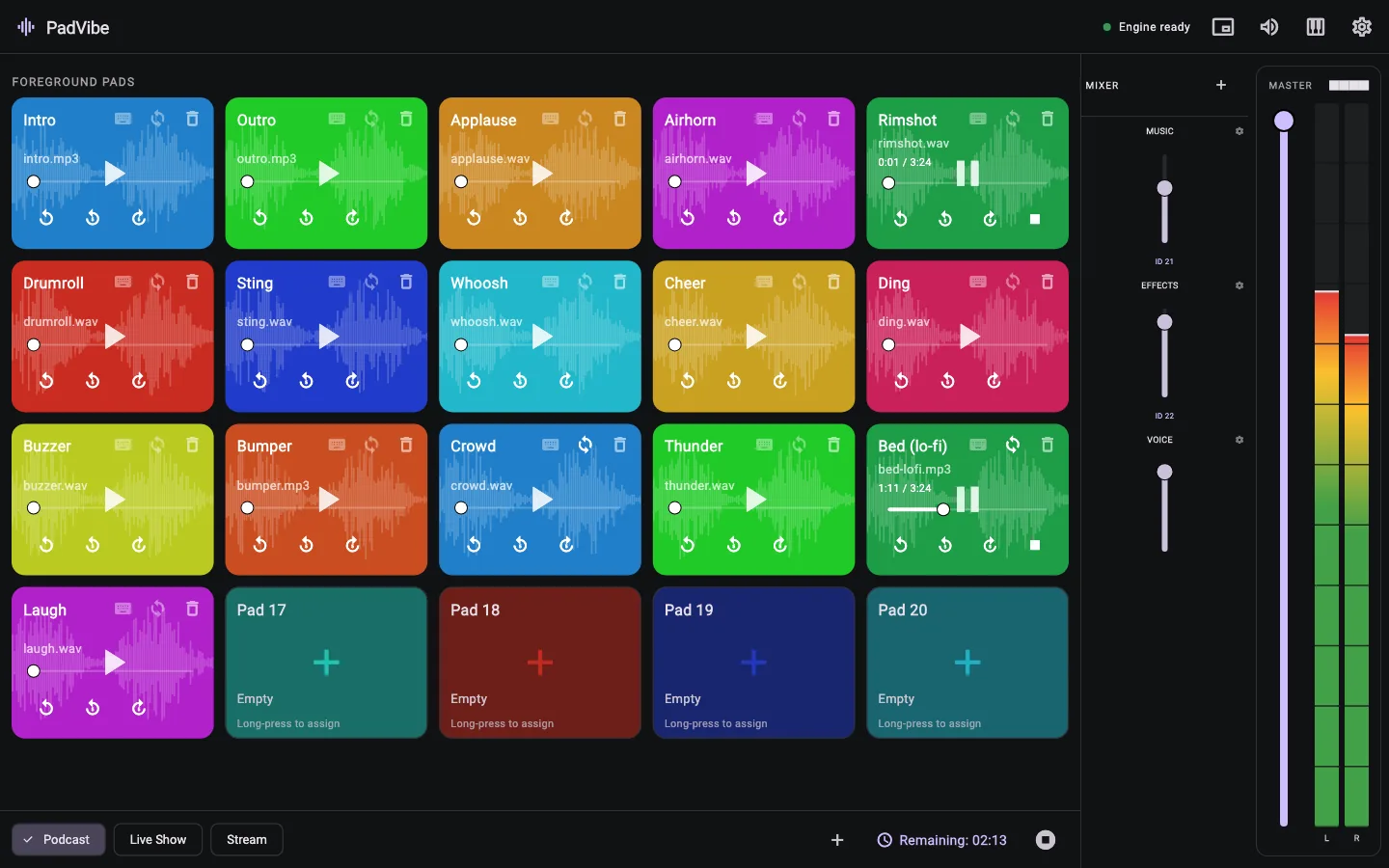
For small productions, schools, churches and events, a pad per cue is often all you need. PadVibe puts every cue on a clearly named, colour-coded pad, with a tab for each scene.
Route front-of-house sounds and on-stage monitors to different channels of a multi-channel interface, and keep ambience on a looping pad with its own fader.
A working setup in five minutes
Build a bank per scene
Create a tab for each scene or act and name the pads after the cues.
Set levels and loops
Loop ambience, set each pad's volume, and link groups to faders.
Route outputs
Choose the output device or channels each cue should use, then test each one.
Tips from the way PadVibe works
- Use the floating countdown timer to see how much of the playing cue remains.
- Pads can be triggered from a MIDI controller, which many operators prefer to a mouse.
- Move between scenes with tabs. Switching tabs stops running sounds, so the next scene starts clean.
- PadVibe copies audio into its own library, so a pad keeps working if the original file moves.
- Rehearse with your real audio interface connected: device names and channel counts come from the system.
Common questions
Is PadVibe a cue-list sequencer?
No. It is a pad-based player: you trigger each cue yourself. There is no timeline or automatic follow-on cue.
How reliable is it?
The audio runs in a separate process that PadVibe restarts automatically if it stops responding, and detailed logs are kept. As with any live system, rehearse with your actual setup.
Can I use several audio outputs?
Yes. Each pad can use its own output device and, on multi-channel interfaces, its own channels.
Is it free for schools and churches?
Yes. PadVibe is free to download and use.
Free to download. Ready in a minute.
No account, no subscription, no tracking. Install it, drop in a few sounds and hit a pad.