 PadVibe
A soundboard for streamers
Sound effects, stingers and reactions on demand, from a keyboard, a MIDI pad or a link, without alt-tabbing out of your game.
Good timing makes a sound effect land. PadVibe plays from memory the instant you trigger it, and it can be triggered from places that do not need the PadVibe window in front.
Use a MIDI controller or any button deck that can open a URL, and fire pads while another app has focus.
A working setup in five minutes
Add your effects
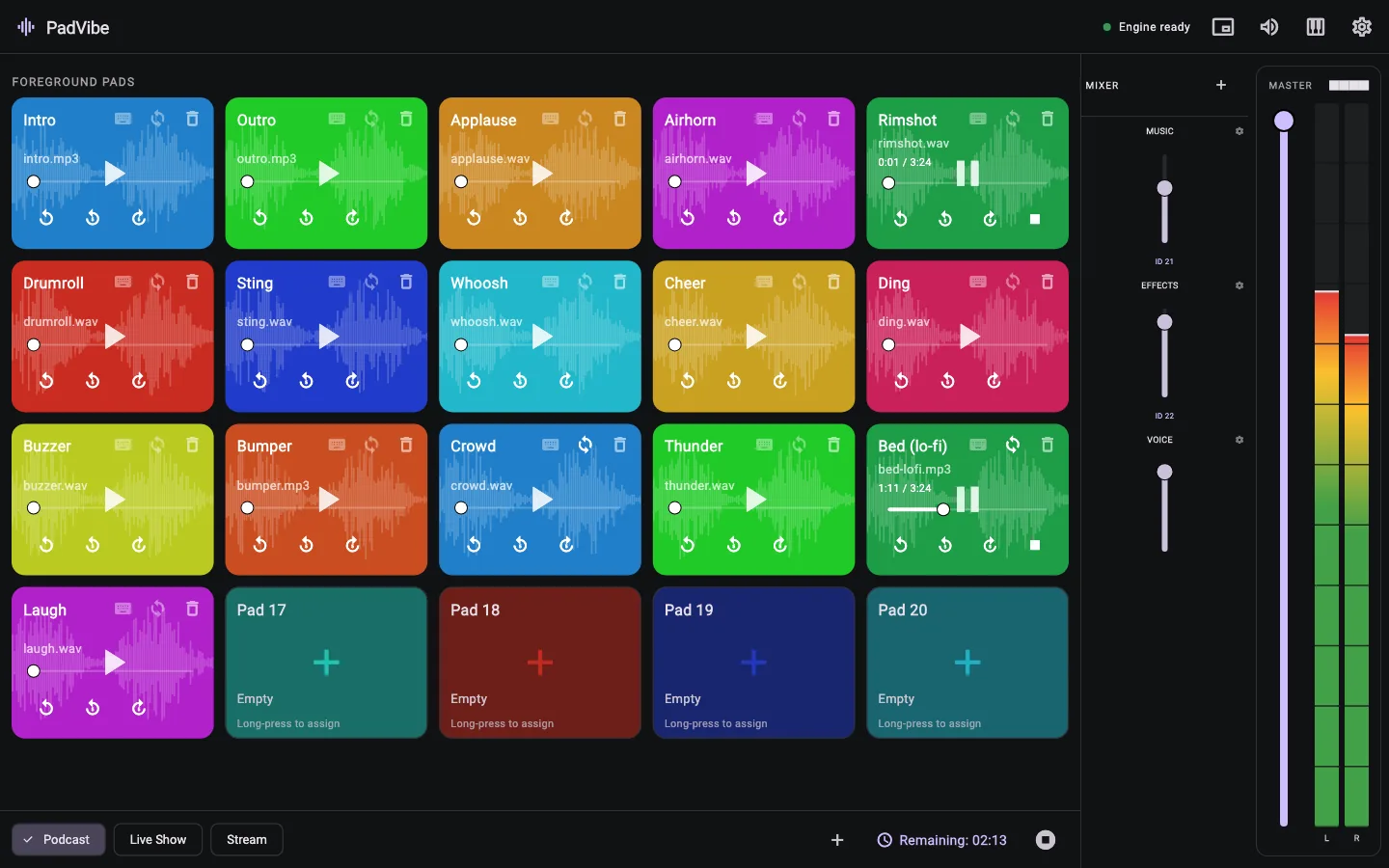
Drop sounds onto pads and set the output you want.
Feed your stream
Choose a virtual audio device (BlackHole on macOS, VB-Cable on Windows) as the pad output, then add that device as an audio source in OBS. A separate output can stay on your headphones.
Trigger hands-free
Learn MIDI notes, or call http://localhost:9696/play/0 from a button that opens a URL.
Tips from the way PadVibe works
- The local API lets other tools press pads:
/play/{index},/stop/{index}and/stop_all. - Add the timer overlay as an OBS Browser Source:
http://localhost:9696/overlay/timer. You can setsize,colorandbgin the URL. - Use per-pad output routing to keep private cues on your headphones and public sounds on the stream.
- Background pads are left out of the API state, which keeps stream automations simple.
Common questions
Does it work with OBS?
Yes. Send PadVibe to a virtual audio device and capture that device in OBS, or capture the output device directly. The countdown overlay runs as a Browser Source.
Can I trigger sounds while a game is focused?
Use a MIDI controller or the local API. Keyboard keys work when the PadVibe window is active.
Is there a Stream Deck plugin?
There is no plugin. Anything that can open a URL can control PadVibe through the local API.
Does it cost anything?
No. It is free and open source.
Free to download. Ready in a minute.
No account, no subscription, no tracking. Install it, drop in a few sounds and hit a pad.